Scene 1
Arriving at College
Camera shot: Wide shot
Action: Pixel arrives at Capital City College and smiles.
Message: Welcome to a creative place to learn.
Digital Media Starter Lesson
In this short lesson, you will learn how a storyboard works. A storyboard is a plan for a video, animation, or digital story.
Follow the panels below. Each panel shows an action, a camera shot, and a simple idea for a Digital Media project.

Pixel is your friendly Digital Media guide.
Visual Storyboard Poster
This poster shows Pixel’s journey into Digital Media. Look at each scene and notice the action, camera shot, and learning message.
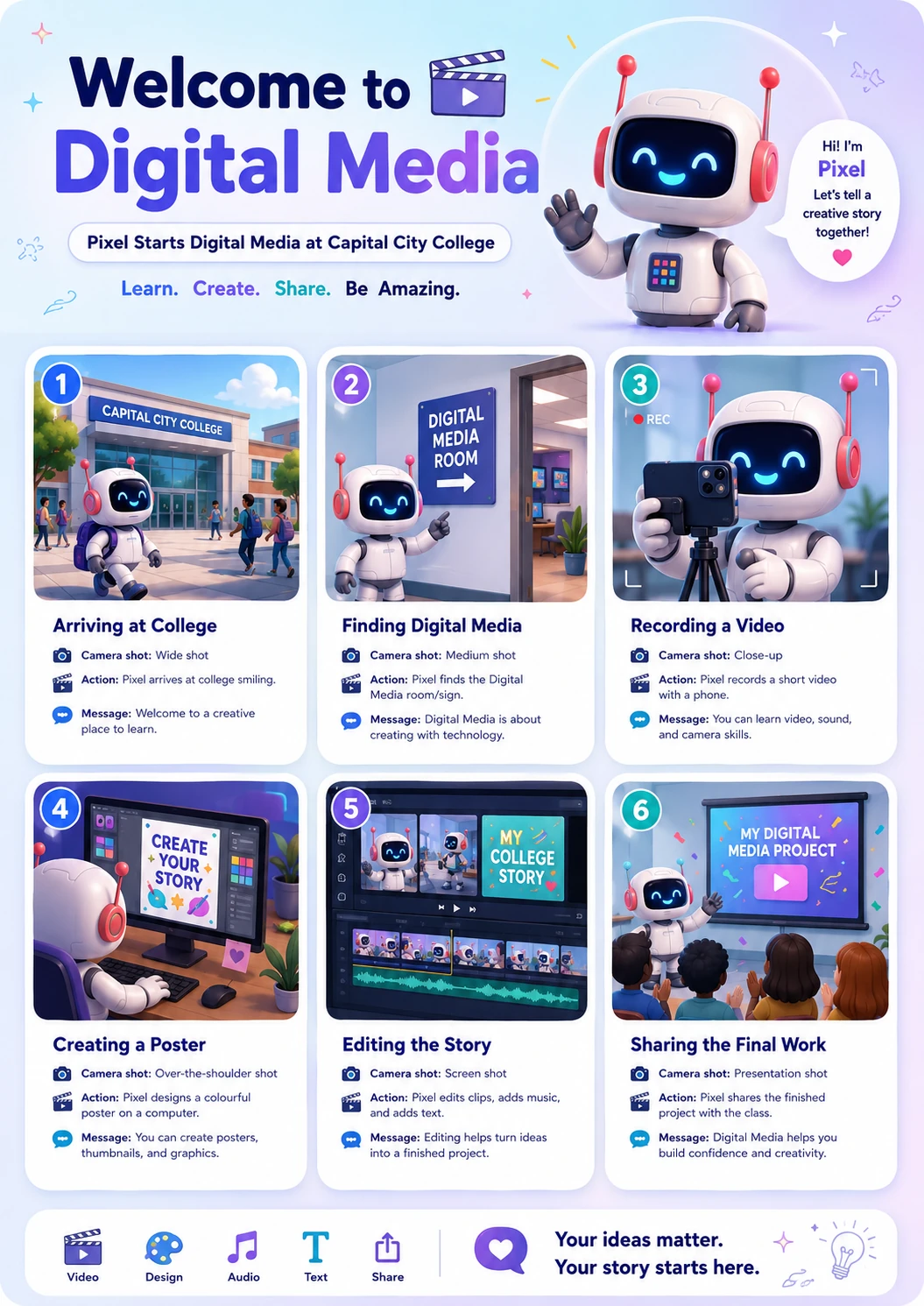
A storyboard is a set of pictures that shows what will happen in a video or animation. It helps you plan the story before you start filming, drawing, or editing.
Storyboard Activity
Look at each scene. Notice the action, camera shot, and simple learning goal.
Scene 1
Camera shot: Wide shot
Action: Pixel arrives at Capital City College and smiles.
Message: Welcome to a creative place to learn.
Scene 2
Camera shot: Medium shot
Action: Pixel sees a sign that says “Digital Media”.
Message: Digital Media is about creating with technology.
Scene 3
Camera shot: Close-up
Action: Pixel records a short video using a phone.
Message: You can learn video, sound, and camera skills.
Scene 4
Camera shot: Over-the-shoulder shot
Action: Pixel designs a colourful poster on a computer.
Message: You can create posters, thumbnails, and graphics.
Scene 5
Camera shot: Screen shot
Action: Pixel edits clips, adds music, and adds text.
Message: Editing helps turn ideas into a finished project.
Scene 6
Camera shot: Presentation shot
Action: Pixel shares the finished project with the class.
Message: Digital Media helps you build confidence and creativity.
Now create your own simple storyboard. Choose one idea and plan 3 scenes.